How to Use Your Phone as a Tracing Projector
Updated 2026-09-18
Your phone doesn't have a projector bulb, so it can't physically beam an image onto paper. What it can do is arguably better: a tracing app shows your paper through the camera with your chosen image overlaid on it, semi-transparent. On screen, the picture looks like it's printed on your page — you just follow the lines with your pencil.
This 'virtual projector' method needs zero extra hardware, works in any lighting, and lets you resize the image to exactly fit your paper.
How to project an image from your phone onto paper (without a projector)
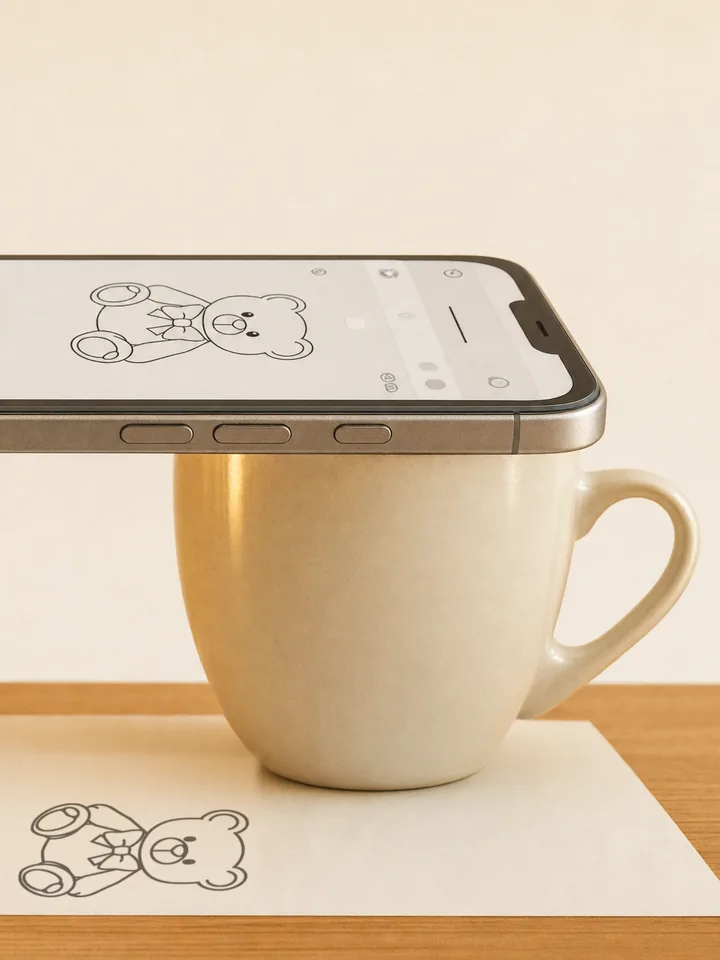
To project an image from your phone onto paper for tracing, you don't need a projector at all. Open a tracing app, choose your image, and prop the phone above the paper with the camera pointing down. The app lays the image over the live camera view, so on screen it looks as though the picture has been projected onto your page — and you trace it while watching the screen.
That is what people mean by using a phone as a projector for drawing: the projection happens on the screen, not on the paper. Nothing is beamed anywhere, which is also why it works in a bright room where a real projector would wash out.
Setting up in five steps
The whole setup takes about a minute:
- Tape your paper to the table so it can't drift.
- Prop your phone 20-40cm above the paper, camera pointing down — a phone stand, tripod, or a stack of books all work. The steadier, the better.
- Open your tracing app and pick the image (a photo, a template, or an AI-generated stencil).
- Scale and position the image on screen until it sits on your paper the way you want, then adjust the overlay opacity so you can see both the image and your pencil marks.
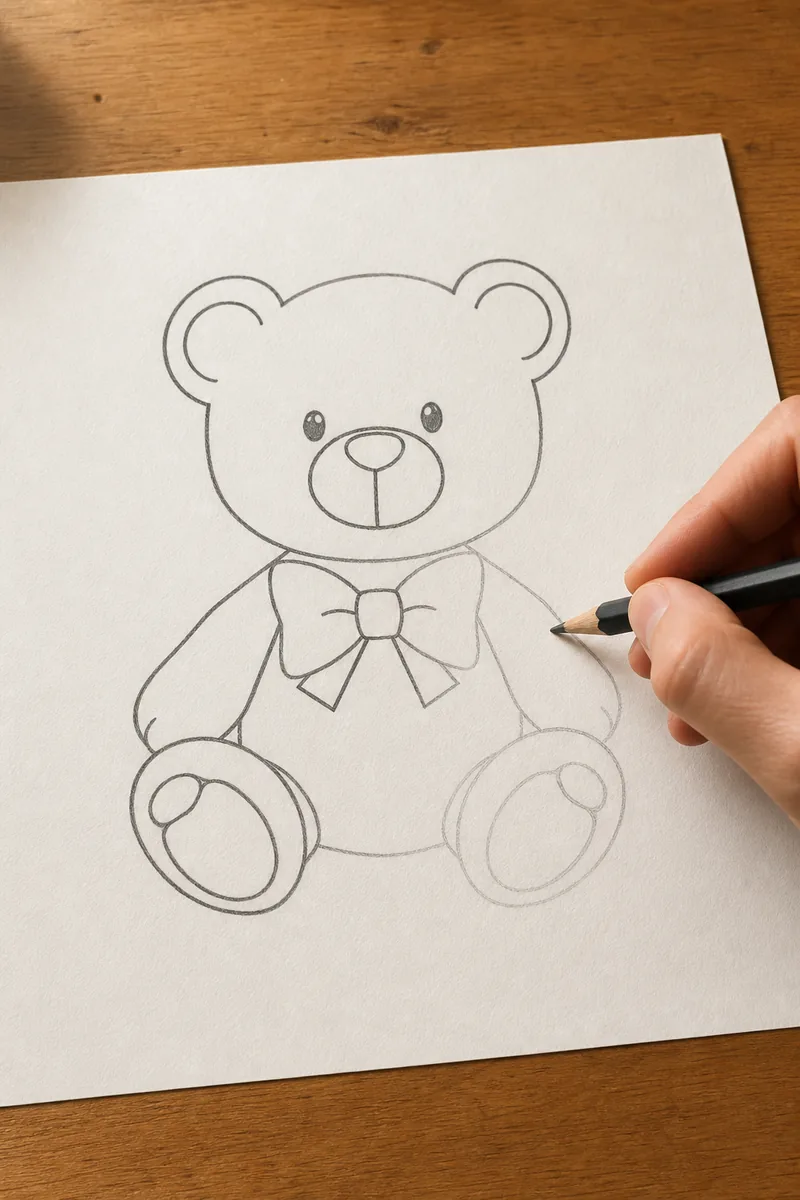
- Draw while watching the screen. Big outlines first, then details.
The one thing that ruins it: movement
If the phone moves, the overlay shifts relative to the paper and your lines stop matching up. Prop the phone rigidly — leaning it against something soft or holding it in one hand doesn't work. If you bump it, most apps let you re-align the image to your existing lines before continuing.
If you want tracking that survives bumps entirely, AR mode anchors the image to the paper itself rather than to the camera frame — see what is AR drawing.
Getting comfortable with the hand-eye split
The odd part at first is that you watch the screen, not your hand. It feels strange for about five minutes, then clicks. Start with a simple, bold-lined image for your first attempt rather than a detailed portrait — you'll build the coordination quickly.
Phone vs. a real tracing projector vs. a lightbox
All three get an image onto your page. They suit different jobs:
- A real art projector beams the image onto the surface, so you look at your drawing rather than a screen, and it scales up to walls and large canvases. It costs money, needs a dim room, and has to sit square to the surface or the image distorts.
- A lightbox shines up through the paper — the most natural way to trace, but only with thin paper and drawings no bigger than the lit area. Your phone can do this too: see how to use your phone as a lightbox.
- A phone as a virtual projector needs nothing you don't already own, works on thick paper, card, and sketchbook pages, and resizes the image to fit any sheet. The trade-offs are the two covered above: the phone has to stay still, and you watch the screen while you draw.
Doing it with Stencly
Stencly's Camera mode is exactly this workflow: pick any photo or one of 2,400+ templates, drop it onto the live camera view, adjust opacity and scale, and trace. If you don't have a reference image, the AI stencil generator turns a text idea into a clean traceable line drawing first.
Frequently Asked Questions
Can my phone actually project an image onto paper?+
What can I use to hold my phone above the paper?+
Does virtual projector tracing work on large paper?+
Is there a free app that turns my phone into a tracing projector?+
Does this work on both iPhone and Android?+
Can I trace onto a canvas or a wall this way?+

Trace anything with Stencly
Camera, Lightbox, and AR tracing modes, a 2,400+ template library, and AI-generated custom stencils — all on your phone.