 Free
FreeCamera Mode
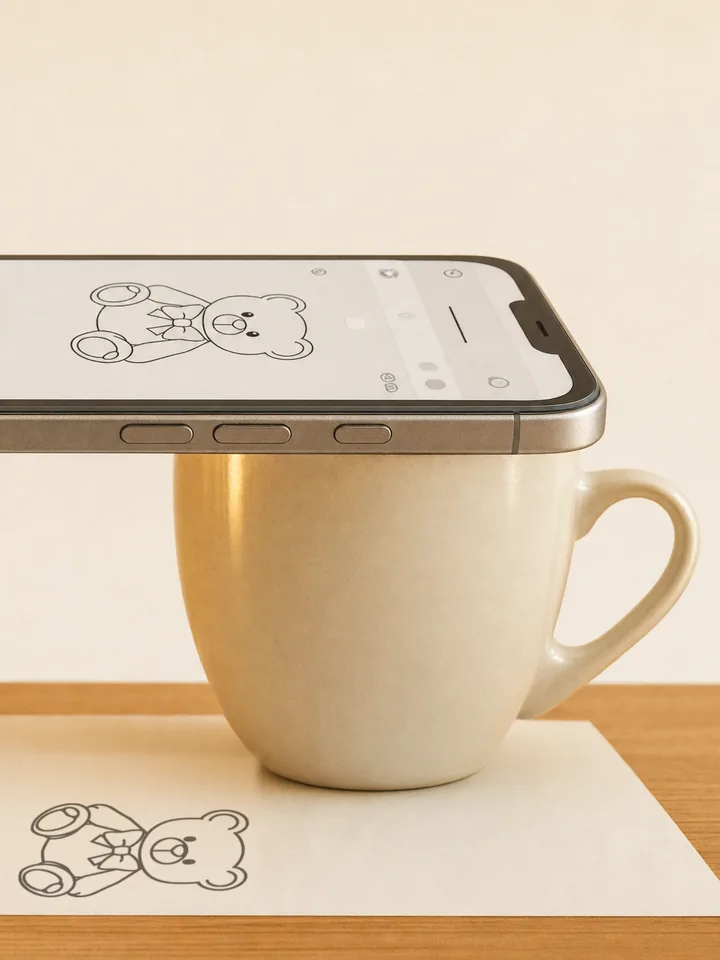
Rest your phone on a mug, a glass, or a stack of books. The template appears over the live view of your paper — trace what you see on screen.
How to Use Your Phone as a Tracing Projector → Stencly · AR Drawing & TracerDraw anything.Zero skill.
Stencly turns any photo, template, or idea into an outline you can trace onto real paper — with nothing but your phone.
 2,400+templates
Pick the mode that fits your desk, your paper, and your drawing.
FreeRest your phone on a mug, a glass, or a stack of books. The template appears over the live view of your paper — trace what you see on screen.
How to Use Your Phone as a Tracing Projector →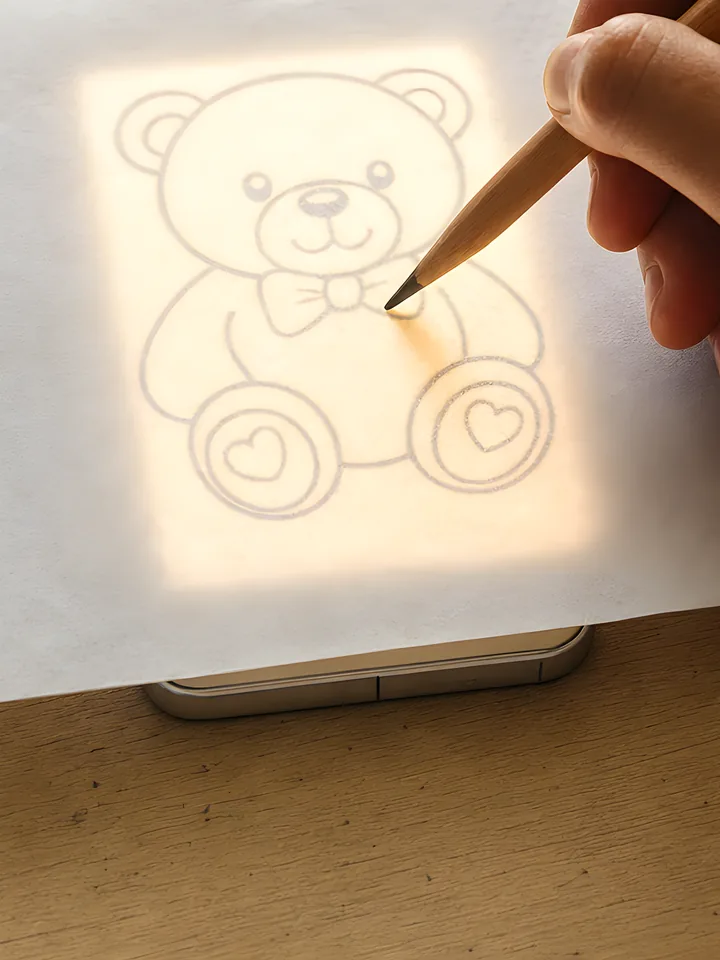 Free
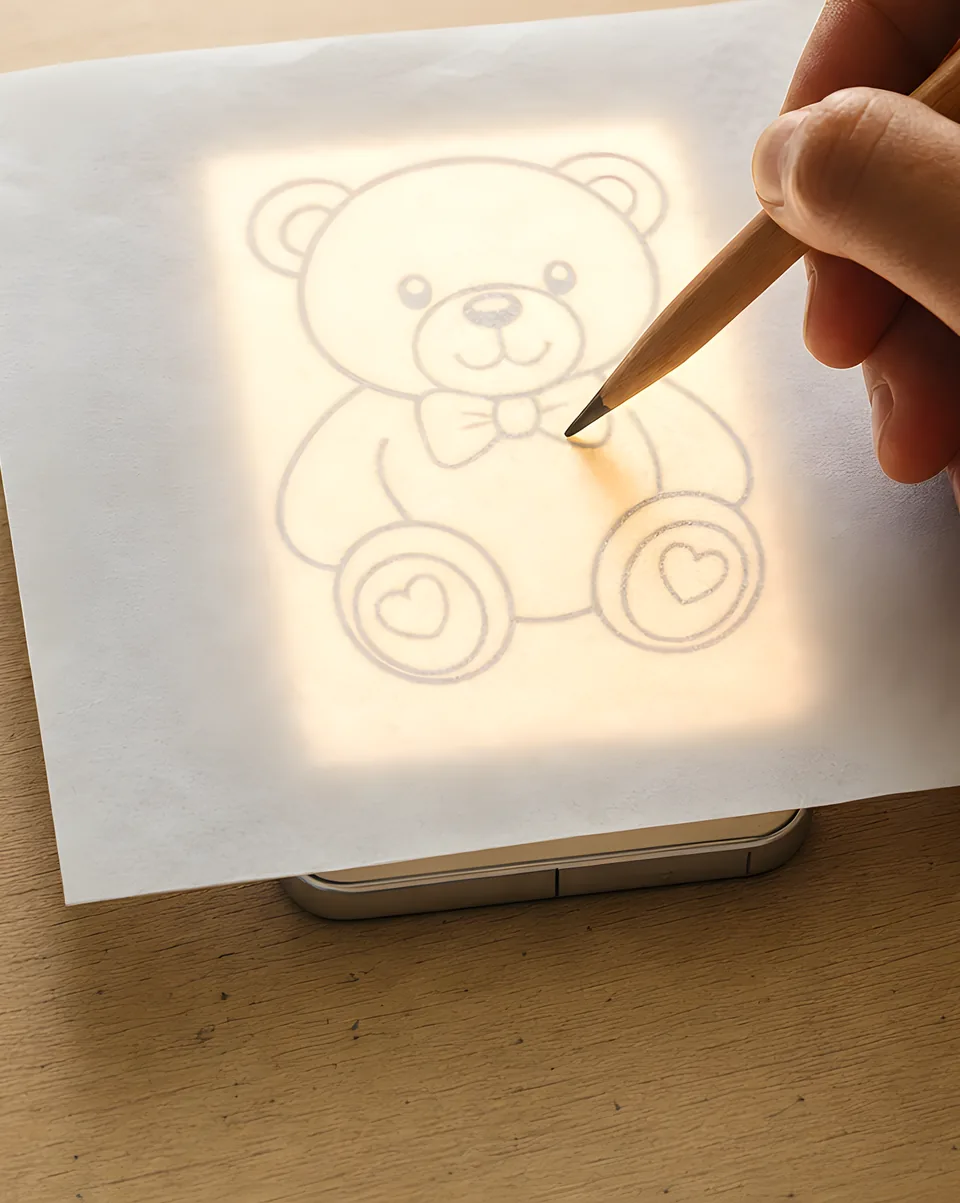
FreeLay thin paper over your phone. The bright outline shines through, and a touch lock keeps it still while you draw.
How to Use Your Phone as a Lightbox for Tracing →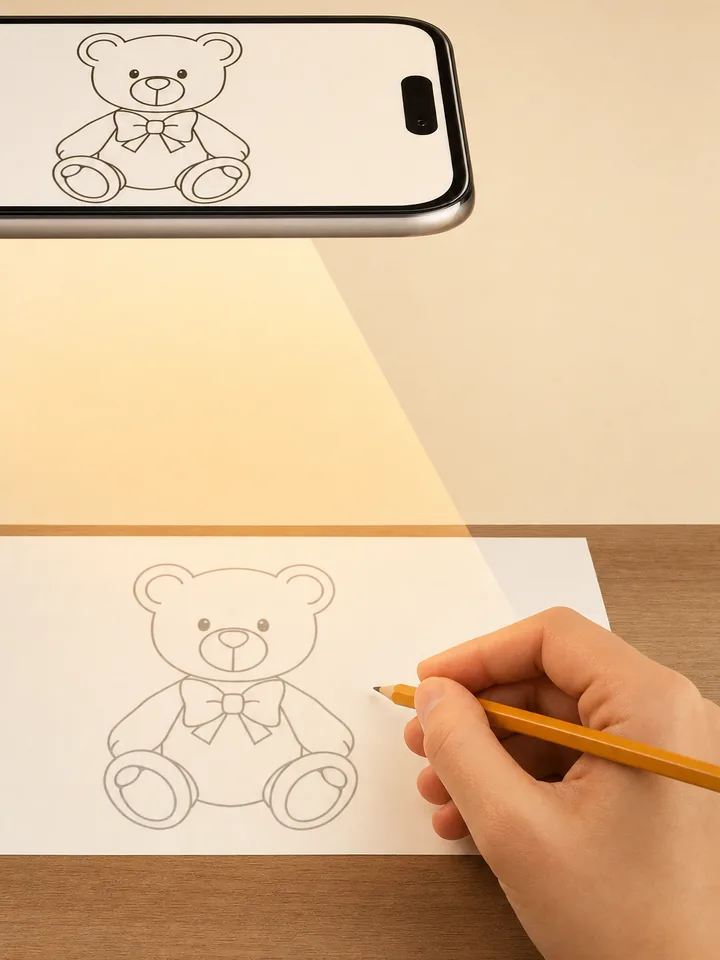 PRO
PROSnap your paper and Stencly locks the template to it. Move around, lean in, zoom — the outline stays put.
What Is AR Drawing? Augmented Reality Tracing Explained →From idea to finished drawing in four steps.
Browse 2,400+ templates across 16 categories, or make your own stencil from a photo or a few words.
Prop it up for Camera, lay it flat for Lightbox, or snap your paper for AR.
Tune the opacity and brightness, then follow the lines. No talent required.
Colour it in, frame it, or save the finished trace to your Photos library.
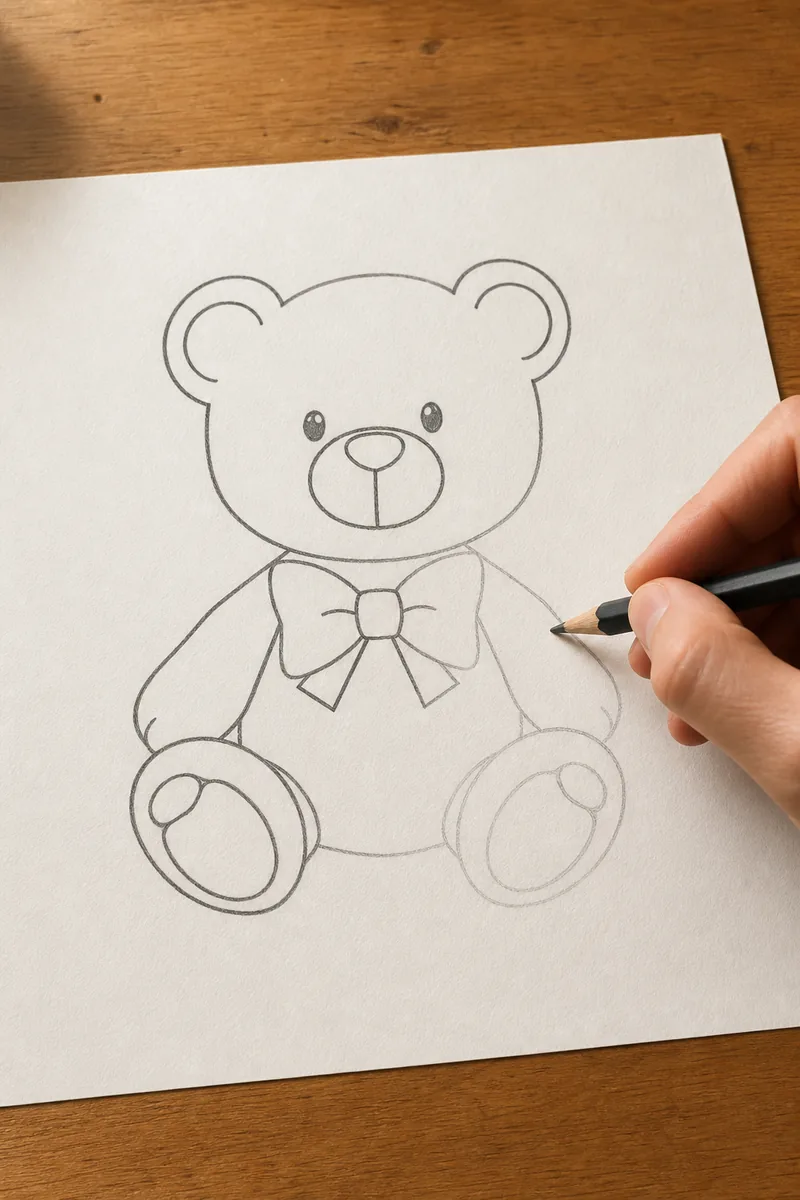
Not in the library? Start from a photo on your camera roll, or from a few words.
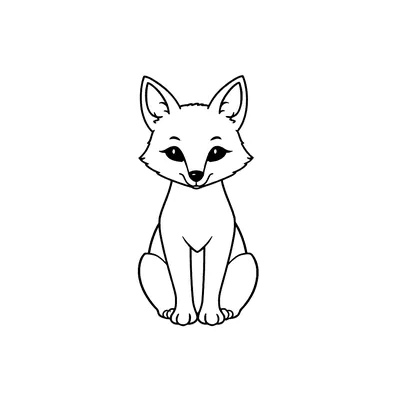
Your pet, your kid, your car. Stencly strips any photo down to a clean outline that's easy to trace — in seconds.

Your photo
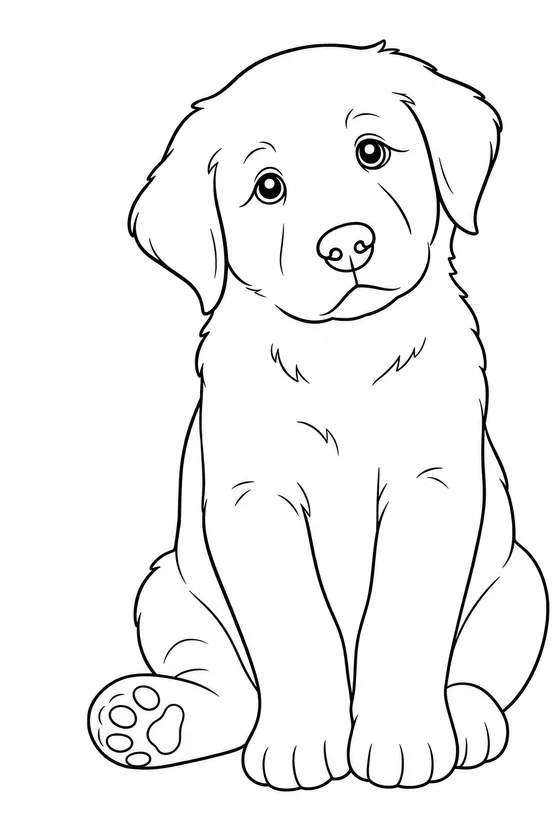
Clean line art
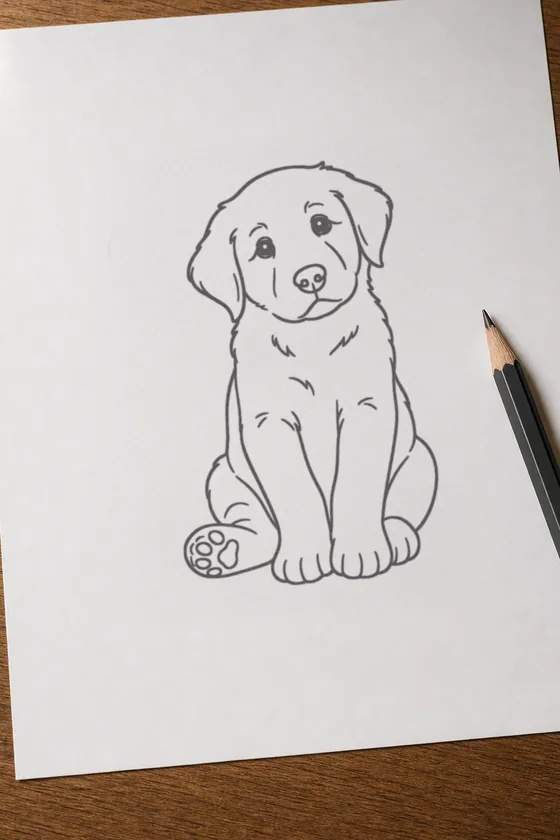
On your paper
Can't find the right template? Describe any idea and the AI draws a custom stencil for you.

From a five-minute doodle to a full tattoo design — there's always something to draw next.




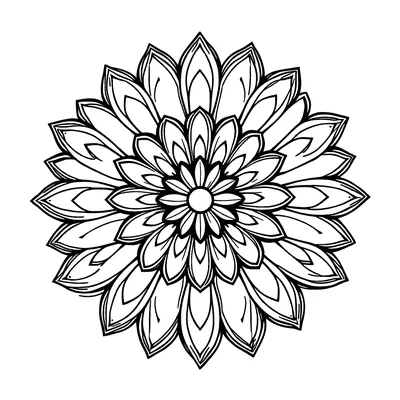
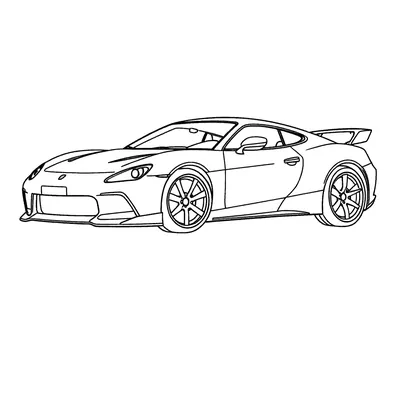


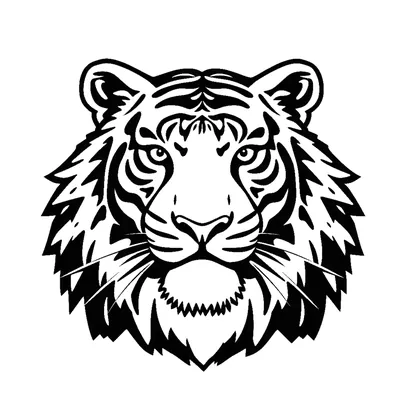




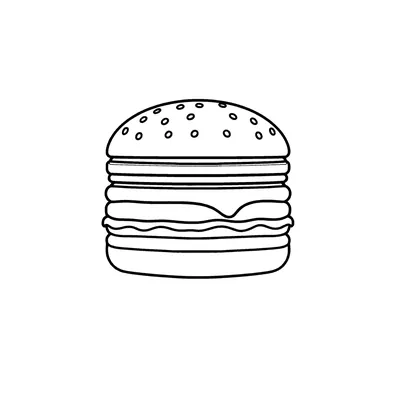
Camera and Lightbox tracing are free. PRO opens the full library and lets you make stencils of your own.
Everything you need to start tracing today.
Trace anything — including your own ideas.
PRO pricing is shown in the app, in your local currency.
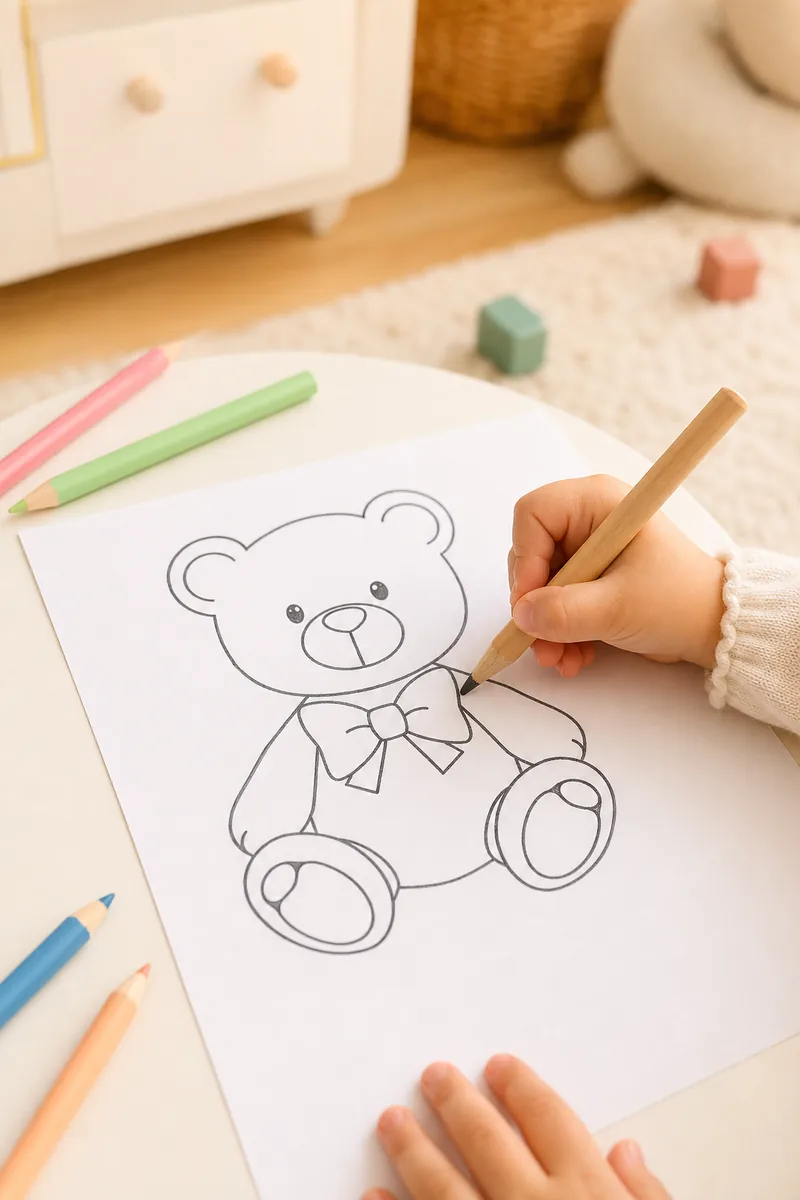
Anyone who wants to make something with their hands and just needs a helping hand with the outline.
Learn how to trace pictures onto paper, turn photos into stencils, and use your phone as a tracing projector or lightbox.
Four ways to trace any picture onto real paper — a sunlit window, a lightbox, your phone as a virtual projector, and AR tracing. No printer needed for most.
Your phone can't physically project images — but a camera-overlay tracing app does the same job. Setup, stabilisation tips, and common mistakes.
Turn your phone screen into a mini tracing lightbox: display the image at full brightness, lay thin paper on top, and trace. Here's how to do it safely.
Turn any photo into a clean, traceable stencil: what makes a good source photo, how AI line extraction works, and how to get from stencil to finished drawing.
AR drawing anchors a virtual image to your real sheet of paper so you can trace it — no projector, no printing. How it works and when to use it.
Tracing isn't cheating — it's how artists have trained for centuries. What tracing actually teaches, its limits, and how to use it deliberately.
Download Stencly free and trace your first stencil in minutes.